

Your Etekcity food kitchen scale may not work because of weak batteries, overload, dirt, or a sensor problem.
When you need exact amounts for baking, meal prep, or portion control, a dead scale can stop your routine fast. This guide explains why your Etekcity Food Kitchen Scale is not working and shows safe steps to fix common power, display, accuracy, and button problems.

Why is my Etekcity Food Kitchen Scale not working?
There are several reasons an Etekcity kitchen scale may stop working. The most common causes are simple, such as low batteries, poor battery contact, an uneven surface, or an overloaded weighing platform.
Other problems may involve the display, touch buttons, load sensors, or internal circuits. A scale can also seem broken when it is only in the wrong mode or needs to be reset.
The most likely causes include:
• Dead or weak batteries
• Batteries installed backward
• Loose battery contacts
• An uneven or soft counter
• Weight placed on the scale before startup
• Too much weight on the platform
• Food or liquid under the platform
• A stuck or dirty button
• A temporary software or sensor error
• Physical or water damage
Knowing the cause helps you avoid replacing a working scale too soon.
Check the power and batteries first
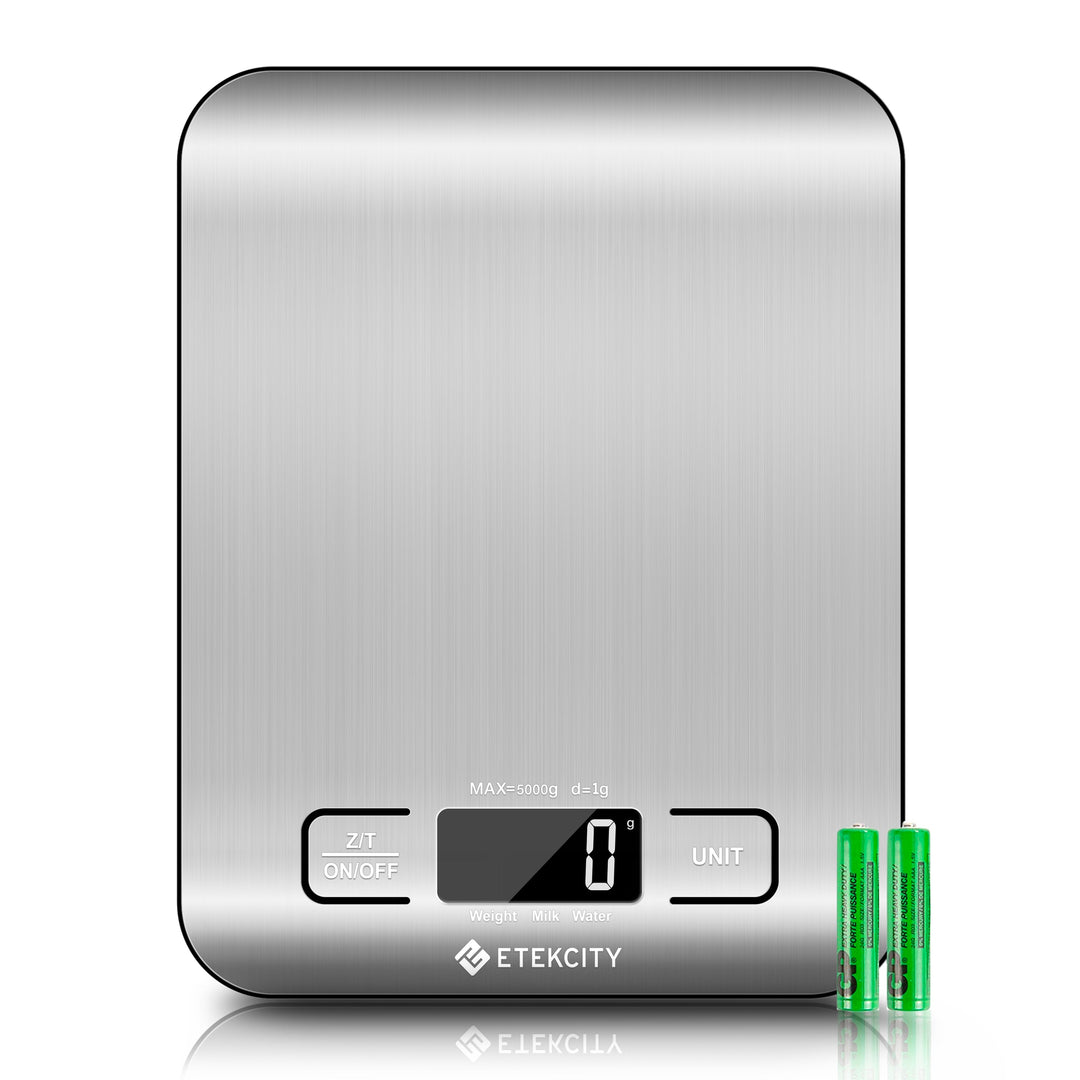
Power is the first thing to test when your Etekcity Food Kitchen Scale is not working. Many digital kitchen scales use AAA batteries, CR2032 coin cells, or another battery type, depending on the model.
Open the battery compartment and check the label inside. Use the correct battery type. Do not mix old and new batteries, or different battery brands, in the same device.
Follow these steps:
- Turn the scale over and open the battery cover.
- Remove the batteries.
- Wait at least 30 seconds.
- Check for white, green, or rusty residue on the contacts.
- Install fresh batteries in the direction shown by the symbols.
- Close the cover firmly.
- Place the scale on a hard, flat surface and press the power button.
If the screen stays blank, press the battery contacts gently toward the batteries. They can lose tension after repeated battery changes. Do not bend them sharply, since broken contacts can make the scale unsafe to use.
A weak battery may still turn on the display but fail when the scale senses weight. This is why replacing the batteries is often more useful than testing the old ones.
Source: etekcity.com
Make sure the scale starts correctly
Sometimes your Etekcity Food Kitchen Scale is not working because it did not complete its startup process. Digital scales need a short moment to set a zero point before they weigh anything.
Remove all items from the platform. Turn the scale off, wait a few seconds, and turn it on again. Keep your hands and bowls away from the platform during startup.
Try this simple reset:
• Remove all weight from the platform.
• Turn off the scale.
• Remove the batteries for 60 seconds.
• Press and hold the power button for about 10 seconds.
• Reinstall the batteries.
• Place the scale on a firm, level counter.
• Turn it on and wait for “0,” “0.0,” or a similar zero reading.
Do not start the scale with a bowl or plate already on it unless your model specifically supports that action. Most Etekcity scales let you add a container after startup and then press the tare button.
If the screen shows an unusual symbol, consult the manual for that model. Display symbols can differ between Etekcity food scale versions.

Source: amazon.com
Check the weighing surface and platform
An uneven surface can make your Etekcity Food Kitchen Scale not working correctly, even when the electronics are fine. A soft mat, towel, or wet counter may press against the base and affect the reading.
Move the scale to a hard, dry, and level surface. A stone, glass, wood, or firm laminate counter usually works well. Make sure all feet touch the counter.
Inspect the platform for:
• Crumbs under the removable tray
• Sticky food residue
• Water near the edges
• A tray that is not seated correctly
• Objects touching the base
• A platform that moves or rocks
Clean the scale with a slightly damp cloth. Never pour water onto it or place the main unit in a sink. Moisture can reach the load sensors and cause unstable readings or permanent damage.
The platform should move only as designed. If it scrapes the housing or stays pressed down, remove the batteries and inspect it gently. Never force the platform or open the scale while it is under warranty.
Source: etekcity.com
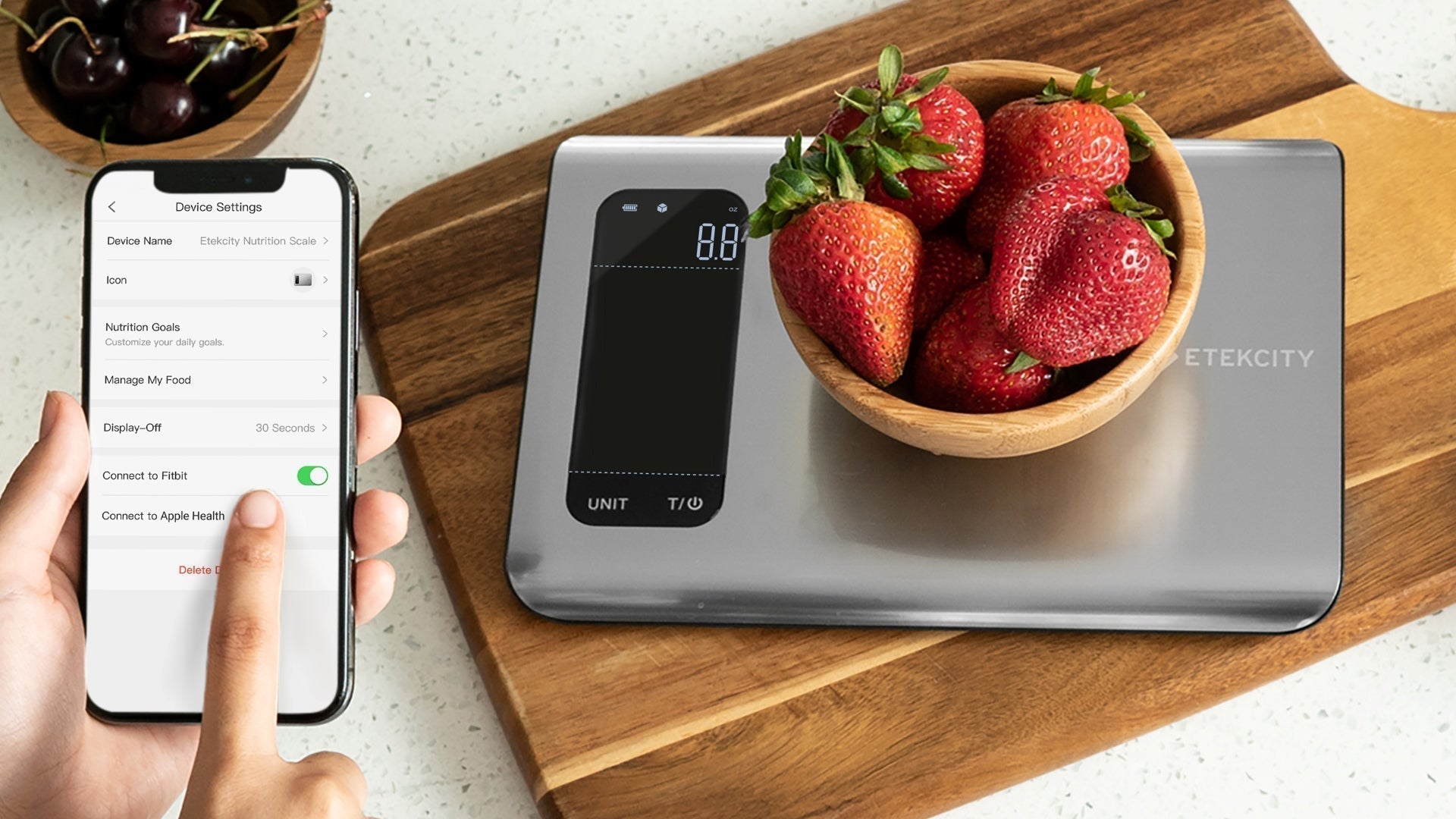
Understand the display and error messages
A blank, flickering, or confusing display can provide clues about why your Etekcity Food Kitchen Scale is not working.
Common display results include:
• A blank screen: The batteries may be dead, reversed, or not touching the contacts.
• “Lo”: The batteries are often low and need replacement.
• “Err” or “EEEE”: The scale may be overloaded or unable to read the sensor.
• A negative number: The scale may have been tared with weight on the platform.
• Changing numbers: The surface may be unstable, or the platform may be touching something.
• A unit such as g, oz, lb:oz, or ml: The scale may simply be in a different measurement mode.
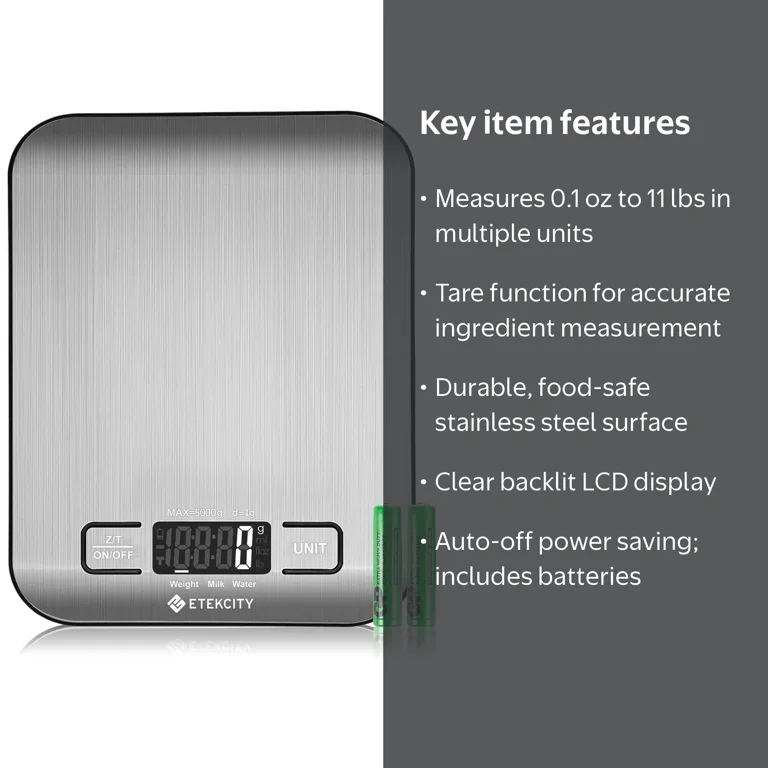
Remove all weight and restart the scale after an overload message. Do not keep adding weight to see whether the reading returns. Most home kitchen scales have a limited capacity, often around 11 pounds or 5 kilograms, though the exact limit depends on the model.
If the display is dim, replace the batteries even if the screen still appears. If only part of the screen works after a battery change, the display or internal circuit may need service.

Source: amazon.com
Check the buttons and measurement mode
Touch buttons may fail to respond when they are wet, dirty, or pressed while the scale is unstable. Dry the control area and use a clean, dry finger. Avoid pressing the buttons with a wet hand while cooking.
Check the main controls:
• Power turns the scale on or off.
• Tare or zero removes the weight of a bowl.
• Unit changes grams, ounces, pounds, or milliliters, when supported.
Press the unit button until the desired measurement appears. Remember that milliliter settings are estimates based on liquid density. A kitchen scale cannot identify whether a liquid is water, oil, syrup, or milk unless the model uses a specific preset.
If the tare button does not respond, remove the bowl and restart the scale. Add the empty bowl only after the display reaches zero. Then press tare and wait for the display to return to zero before adding food.
Do not press the buttons with a knife, spoon, or other sharp tool. This can damage the touch panel.
Source: etekcity.com
Fix inaccurate or unstable readings
A scale may turn on but still seem broken when your Etekcity Food Kitchen Scale is not working accurately. Small changes are normal when food shifts, a bowl touches the counter, or the scale sits near vibration.
For a steady reading:
- Use a firm, level counter.
- Keep the scale away from a running dishwasher or washing machine.
- Center the bowl or food on the platform.
- Wait two or three seconds for the number to settle.
- Keep the food from touching the counter.
- Use the tare button before adding each ingredient.
- Avoid weighing hot pans or steaming food.
Kitchen scales measure force through small load sensors. They are sensitive devices, much like a bathroom scale in miniature. A draft, vibration, or side pressure can affect the display.
Test the scale with a known item, such as a sealed package with a printed weight. This is only a basic check, not a certified calibration test. If the difference is large and remains after a reset, the sensor may be damaged.
Do not place a heavy object on the scale to “train” it. That can cause more damage.

Source: amazon.com
What to do after a spill or overload
A spill is a common reason an Etekcity Food Kitchen Scale is not working. Sugar, flour, oil, and water can enter the gap around the platform and affect the sensors.
If liquid spills:
• Remove the batteries at once.
• Wipe the outside with a dry cloth.
• Leave the scale in a dry, ventilated place.
• Wait at least 24 to 48 hours before testing it.
• Do not use a hair dryer, oven, heater, or direct high heat.
If the scale was submerged, badly soaked, or exposed to a hot liquid, stop using it. Internal corrosion may create inaccurate readings or an electrical safety risk.
If the scale was overloaded, remove the weight and restart it. A single brief overload may only trigger an error. Repeated overloads can permanently affect the load cell.
Never use the scale if the case is cracked, the battery compartment is wet, or the screen shows damage.
Source: walmart.com
When the sensor or circuit may be damaged
If your Etekcity Food Kitchen Scale is not working after fresh batteries, cleaning, and a reset, the fault may be internal. The load cell, circuit board, display, or button panel could be damaged.
Signs of an internal fault include:
• The display remains blank with known-good batteries.
• The reading changes with no weight on the platform.
• The scale shows a large weight at zero.
• One side of the platform gives a different result.
• The platform stays pressed down.
• The scale shuts off whenever food is added.
• The same error appears after every reset.
Do not open the scale unless the manufacturer specifically permits it and you understand the risks. Opening the case can damage the sensor and may affect warranty coverage.
Contact Etekcity support with the model number, purchase date, error message, and steps you have tried. A short video of the fault may also help. If the scale is inexpensive and out of warranty, replacement may cost less than repair.
From practical troubleshooting, the biggest mistake is assuming every failure is a dead battery. The second is continuing to use a scale after water enters the sensor area. Early cleaning and drying can prevent a small spill from becoming a permanent fault.

Source: amazon.com
How to prevent future scale problems
Good habits can keep an Etekcity food scale reliable for years. Treat it as a precision tool, not as a cutting board or a storage shelf.
Use these habits:
• Store the scale in a dry cabinet.
• Remove the batteries before long-term storage.
• Do not place hot cookware on the platform.
• Stay below the stated weight limit.
• Clean spills right away.
• Use a bowl instead of placing messy food directly on the platform.
• Keep the platform clear when turning the scale on.
• Avoid dropping or stacking heavy items on it.
• Replace weak batteries before important baking projects.
For baking, confirm the scale reads zero before adding flour. For meal prep, use the tare function between ingredients. For portion tracking, use grams when possible because whole-number gram readings can be easier to repeat than volume measures.
These steps will not prevent every hardware failure, but they reduce the most common causes of an Etekcity Food Kitchen Scale not working.
Frequently Asked Questions
Why is my Etekcity Food Kitchen Scale not turning on?
The most common reasons are dead batteries, incorrect battery placement, dirty contacts, or a loose battery cover. Install fresh batteries, check the polarity symbols, and reset the scale with no weight on the platform.
Why does my Etekcity scale show “Lo”?
“Lo” usually means the batteries are low. Replace all batteries with a fresh, matching set that fits your specific model.
Why does my Etekcity scale show an error message?
An error message can mean the platform is overloaded, blocked, or unable to read the sensor. Remove all weight, check for crumbs or contact around the platform, and restart the scale.
Why is my Etekcity kitchen scale giving different readings?
An unstable counter, vibration, a bowl touching the surface, or a damaged sensor can cause changing readings. Use a firm, level surface and test the scale with a known item after resetting it.
How do I reset my Etekcity Food Kitchen Scale?
Remove all weight, turn the scale off, remove the batteries for about 60 seconds, and reinstall them. Start the scale on a hard, level surface and wait for the zero reading.
Can water damage an Etekcity food scale?
Yes. Water or other liquids can reach the load sensors and circuit board. Remove the batteries, dry the outside, allow the unit to air-dry fully, and do not use it if it was submerged or remains unstable.
Can I calibrate an Etekcity kitchen scale at home?
Some digital scales support calibration, but the method differs by model. Use only the instructions for your exact model and avoid homemade calibration methods that may damage the sensor or create false confidence.
Conclusion
When your Etekcity Food Kitchen Scale is not working, start with the simple checks: fresh batteries, correct polarity, a clean platform, a firm counter, and a full reset. Then inspect the display, tare function, measurement unit, and weight limit.
Keep liquids away from the sensor area, never overload the platform, and contact Etekcity support if the problem continues after basic troubleshooting. Try these steps today, then share your model and error message in the comments to help others find the right fix.

