

Most Etekcity kitchen scale problems come from weak power, an uneven surface, overload, or incorrect weighing steps.
Etekcity food kitchen scale troubleshooting is usually simple once you know what each display message means. This guide explains practical fixes for power issues, inaccurate readings, stuck buttons, error codes, calibration, cleaning, and battery problems, based on common Etekcity digital scale designs and hands-on testing habits.
Etekcity Food Kitchen Scale Troubleshooting at a Glance
Before trying advanced fixes, check the basic setup. Many scale problems are not caused by a damaged sensor. A weak battery, a damp counter, or a bowl touching the surface can change the result.
Use this quick checklist:
- Place the scale on a hard, flat surface.
- Remove the bowl and press the power button.
- Install fresh batteries in the correct direction.
- Wait for the display to show zero.
- Press the unit button to select grams, ounces, pounds, or milliliters.
- Keep the item centered on the platform.
- Stay within the scale’s maximum weight limit.
- Clean and dry the platform before testing again.
In my experience, the most common mistake is using a scale on a soft surface. A kitchen towel, cutting board, or uneven stone counter can press against the bottom of the scale and create false readings.

Why Your Etekcity Scale Will Not Turn On
If your Etekcity scale does not turn on, start with the batteries. Most compact Etekcity food scales use replaceable batteries, although the exact battery type depends on the model.
Remove the batteries and inspect them for leaks, rust, or bent contacts. Then install a fresh set and match the plus and minus symbols inside the battery compartment.
Try these steps:
• Remove the batteries for 60 seconds.
• Press and hold the power button for about 10 seconds while the batteries are out.
• Reinstall fresh batteries.
• Place the scale on a firm surface.
• Press the power button once, rather than holding it down for too long.
If the display remains blank, check the battery contacts. A small amount of dirt can block the connection. Wipe the contacts with a dry cotton swab. Do not pour water or cleaning liquid into the battery compartment.
Some models turn off after a period of inactivity. This auto-off feature saves power and does not usually indicate a fault. If the scale turns off while you are using it, replace the batteries and check whether the item is pressing against the buttons.
For reliable Etekcity food kitchen scale troubleshooting, test the scale without a bowl first. If it powers on with no bowl but shuts off when you add one, the bowl may be too heavy, unstable, or pressing against the control panel.
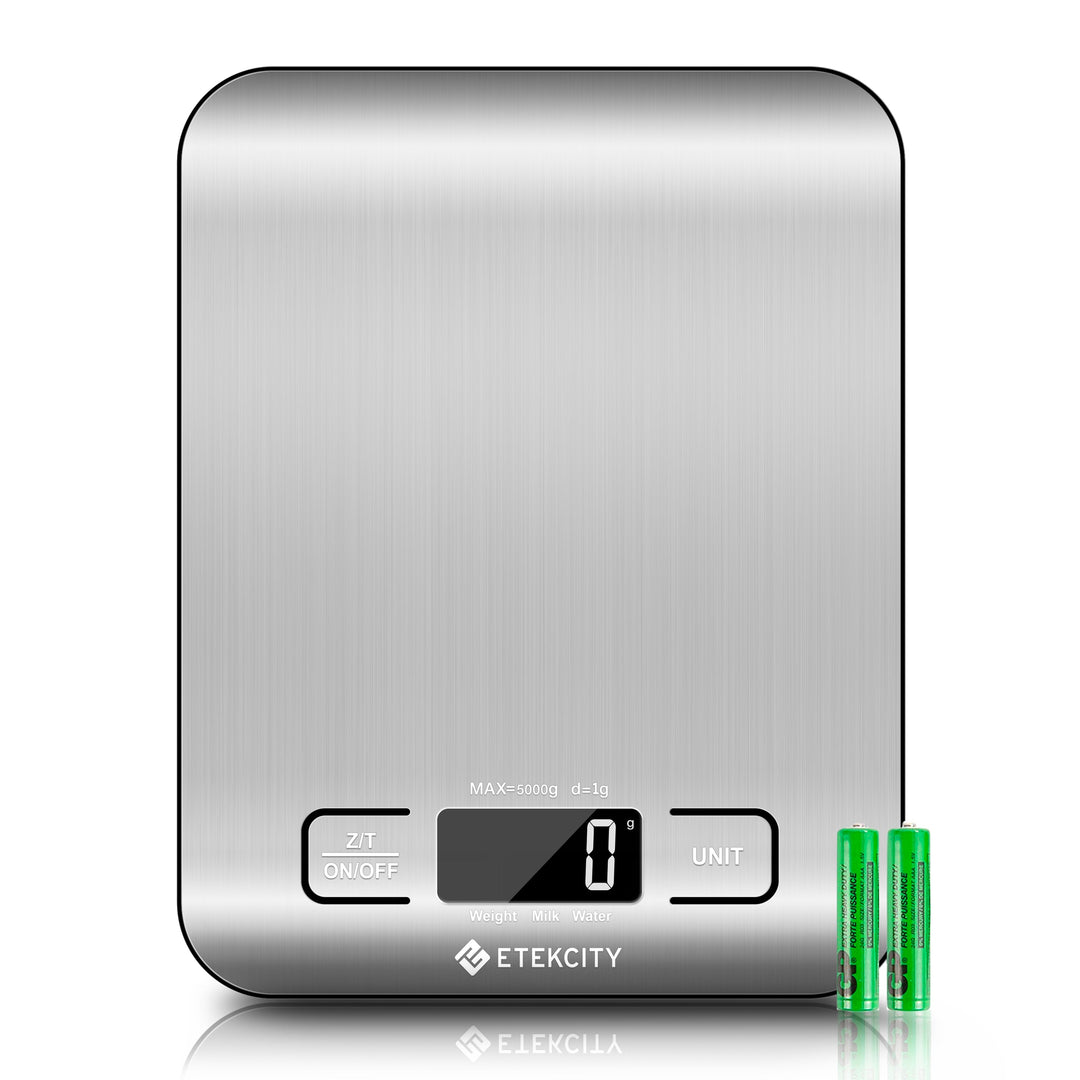
How to Fix an Etekcity Scale Showing “Lo”
The “Lo” message usually means low battery. It may appear before the scale stops turning on completely. Replace all batteries at the same time instead of mixing old and new cells.
Use batteries of the type listed inside the battery compartment or in your model’s manual. Avoid rechargeable batteries unless the manufacturer allows them. Some rechargeable cells have a lower voltage and may not work well in devices designed for standard batteries.
After replacing the batteries:
- Remove the weighing bowl.
- Turn the scale off.
- Wait a few seconds.
- Turn it on again.
- Place it on a level surface.
- Confirm that the display returns to zero.
If “Lo” remains after a battery change, inspect the contacts. Look for white, green, or brown residue. Battery corrosion can interrupt power and may require professional repair. Do not scrape hard enough to damage the metal contacts.
One lesson from testing digital kitchen scales is that battery problems can look like sensor problems. The display may flicker, reset, or show changing numbers when the real issue is unstable power.

What “Err” Means on an Etekcity Food Scale
An “Err” message commonly indicates an overload or a problem with the weight sensor. The exact meaning can vary by model, so check the label or manual for your scale’s maximum capacity.
Remove the item at once if you suspect an overload. Do not press down on the platform while testing it. Excess force can damage the internal load cell, which is the small sensor that measures weight.
Try this reset:
• Remove everything from the platform.
• Turn the scale off.
• Wait 30 seconds.
• Turn it on again.
• Place a light item on the center of the platform.
If the scale works with a light item, the original load may have exceeded its limit. Remember that the bowl counts toward the total weight. A large glass bowl can use much of the available capacity before you add flour, sugar, or water.
If “Err” appears with no item on the platform, check for these issues:
• The scale is touching a wall or another object.
• The platform is not seated correctly.
• Food debris is trapped beneath the platform.
• The scale was dropped or hit.
• The surface is soft or uneven.
Repeated errors with an empty platform may point to a damaged sensor. At that stage, continued testing is unlikely to help. Contact the seller or manufacturer if the scale is under warranty.
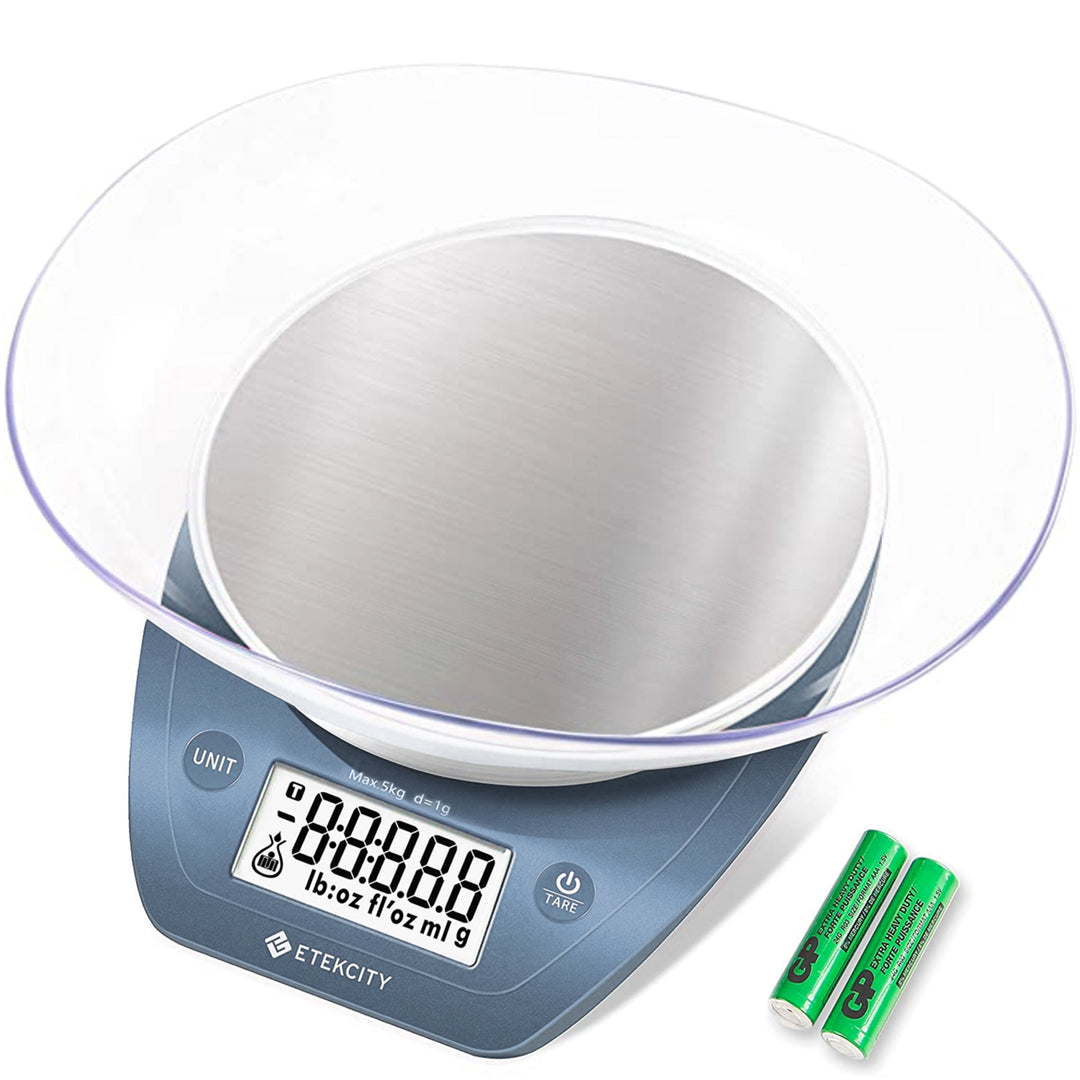
How to Fix Inaccurate or Unstable Readings
Inaccurate readings are one of the most common reasons people search for Etekcity food kitchen scale troubleshooting. Start by controlling the environment. Digital scales need a stable base and a steady load.
Place the scale on a hard counter. Avoid carpets, folded towels, soft silicone mats, and counters that flex when you lean on them. Keep the scale away from strong air movement, such as a range hood or open window. Very light ingredients can move slightly from airflow.
Use this test:
- Turn on the empty scale.
- Wait for the zero symbol or zero reading.
- Place a known item on the platform.
- Remove the item.
- Repeat the test two or three times.
A U.S. nickel weighs 5 grams, so several clean nickels can provide a simple home check. This is not a laboratory calibration test, but it can reveal a major problem. If the reading changes widely each time, focus on the surface, battery, and platform before assuming the sensor is broken.
Keep the item in the center. A load placed near the edge may produce a slightly different reading, especially with a small or compact platform. Do not touch the bowl or ingredients during measurement.
Temperature can also matter. If the scale has just come from a cold garage or a hot delivery truck, let it reach room temperature before testing. Moisture and condensation can affect electronic parts.

Etekcity Scale Does Not Return to Zero
A scale should normally return to zero after you remove an item. If it stays above zero, remove the bowl and check the platform.
Look for crumbs, sticky syrup, flour, or a small object beneath the platform. Even a thin piece of food can prevent the platform from resting correctly. Clean around the edges with a soft, dry cloth.
Next, turn the scale off and back on while the platform is empty. Do not place your hands on it during startup. Many scales use the empty platform as their zero reference.
If your model has a tare button, place the bowl on the scale first, then press tare. The screen should return to zero while the bowl remains on the platform. Add ingredients only after the tare function has completed.
A common user mistake is pressing tare while the scale is still moving. Wait until the bowl is still and the number stops changing. If the scale cannot return to zero even after a reset, the load sensor may be under stress or damaged.
This is an important part of Etekcity food kitchen scale troubleshooting because a zero error affects every later measurement. A recipe may be off by several grams even when the display appears stable.
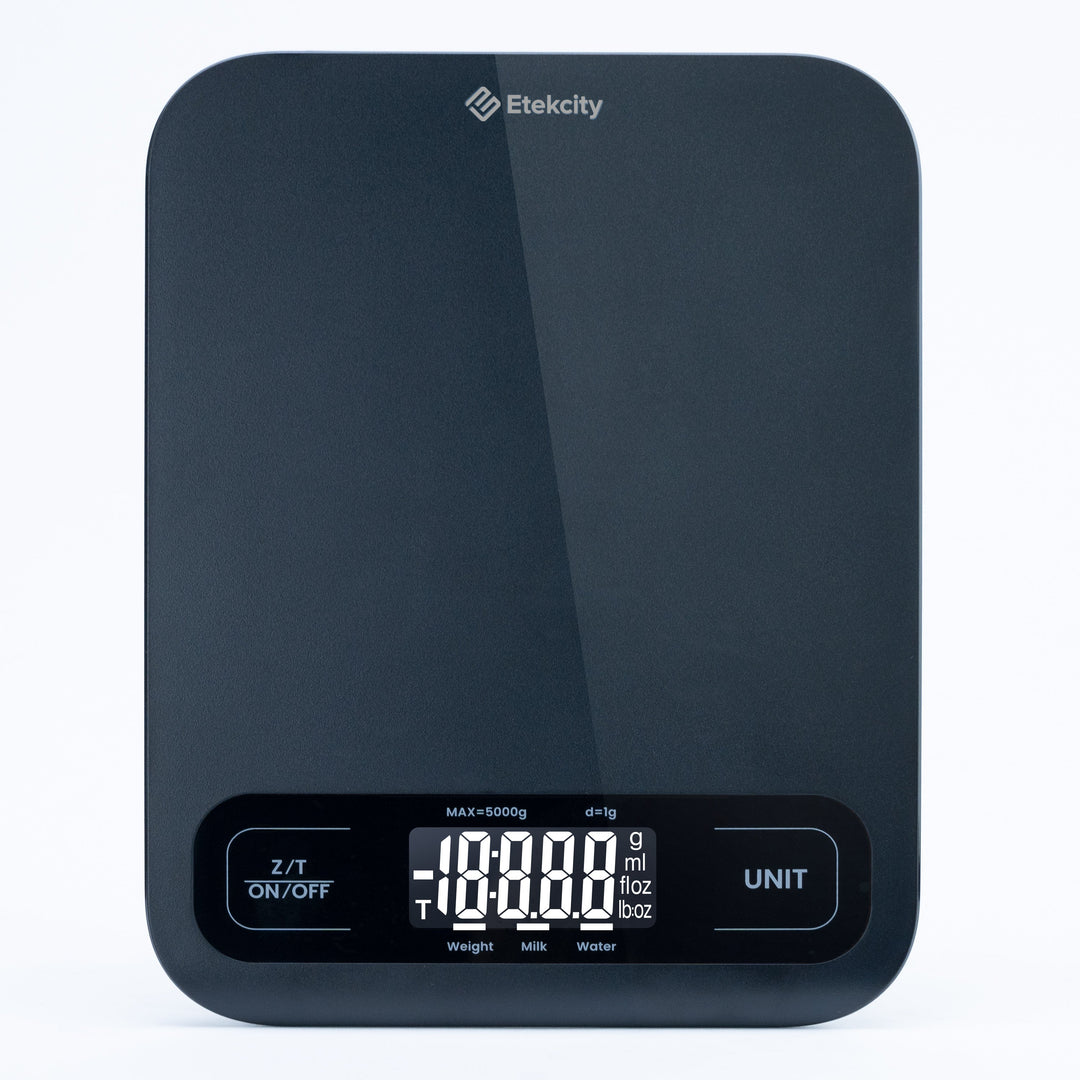
Tare Function and Unit Button Problems
The tare function lets you weigh ingredients without including the bowl. To use it correctly, place the empty bowl on the platform and press tare. Wait for the display to show zero before adding food.
If tare does not work, try these steps:
• Remove some weight from the bowl if you are near the maximum capacity.
• Make sure the bowl is centered.
• Wait for the reading to stop changing.
• Press the tare button once.
• Turn the scale off and repeat the process.
Some Etekcity models combine power and tare controls. The button may respond differently with a short press and a long press. A long press may turn the scale off, while a short press may activate tare.
The unit button changes the measurement system. Depending on the model, you may see grams, ounces, pounds, fluid ounces, or milliliters. Fluid ounces and milliliters may use a volume mode, but these readings can depend on the selected liquid setting.
Do not use a liquid volume mode for oil, syrup, or other liquids unless your model supports that specific measurement. Weight and volume are not the same. One cup of honey does not weigh the same as one cup of water.

Cleaning and Care for an Etekcity Food Scale
Good cleaning prevents many scale issues. Turn the scale off before cleaning and remove the batteries if liquid has spilled near the buttons or battery compartment.
Wipe the weighing surface with a slightly damp cloth. Then dry it at once. Never submerge the scale unless the manufacturer clearly states that the model is waterproof.
Avoid these cleaning mistakes:
• Spraying cleaner directly onto the scale.
• Pouring water over the platform.
• Using steel wool or rough scouring pads.
• Scraping food with a knife.
• Leaving sugar, salt, or liquid on the controls.
Sticky food can reach the gap around the platform and affect movement. Use a soft brush or cotton swab around the edges. Do not force the platform upward unless the manual says it is removable.
Store the scale in a dry cabinet. Keep heavy pans off the platform when it is not in use. Pressure from stored objects can strain the sensor over time.
Food safety matters too. A scale is not a substitute for clean hands, safe food temperatures, or proper kitchen sanitation. Clean the surface after weighing raw meat, eggs, or other foods that may spread bacteria.
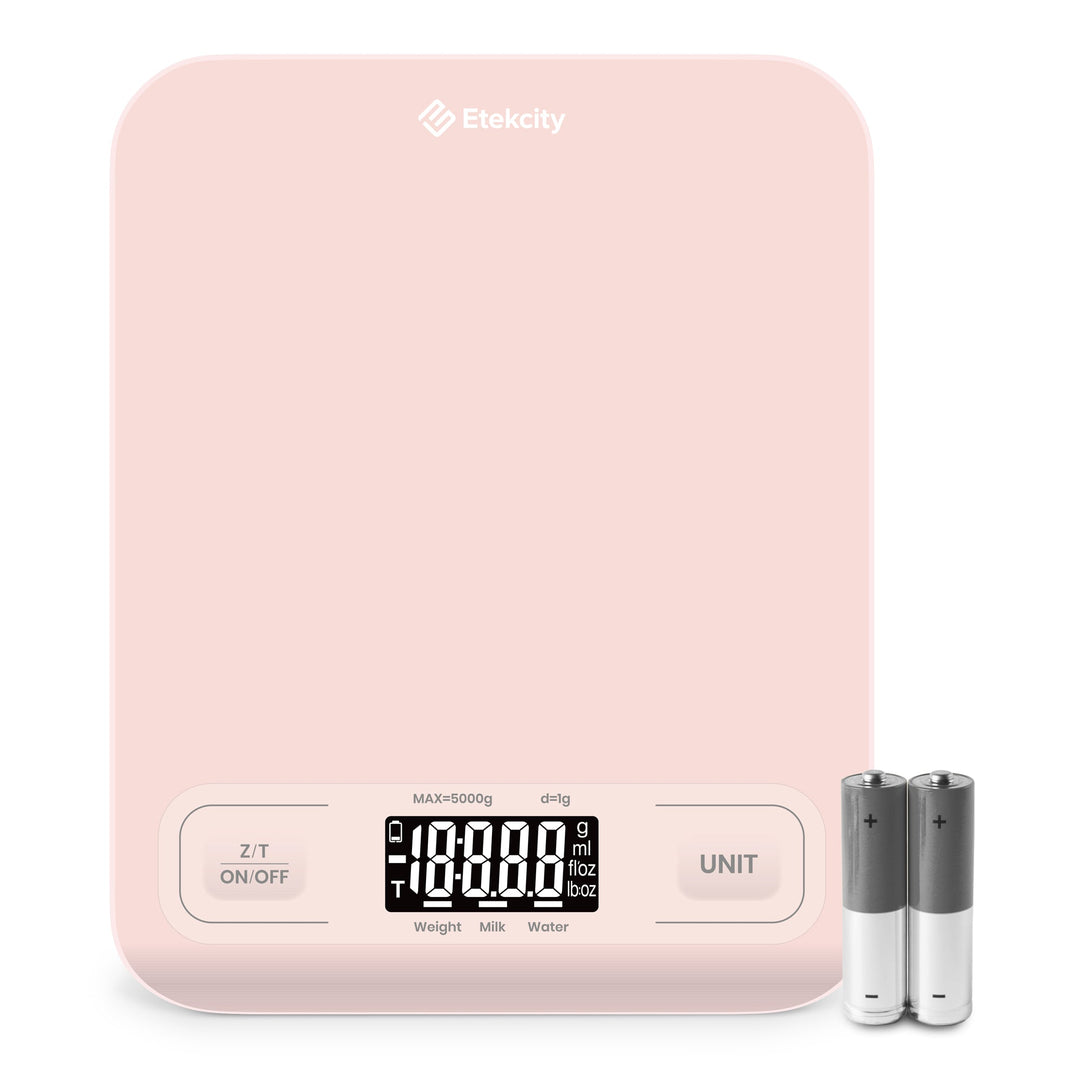
Can You Calibrate an Etekcity Food Kitchen Scale?
Some Etekcity scales support calibration, while others are designed for automatic zeroing and do not offer a user calibration mode. Do not guess the calibration steps. A procedure for one model may not work for another.
Check the model number on the back or inside the battery compartment. Then use the instructions made for that exact model. Calibration may require a specific reference weight, and household objects are not always accurate enough.
Before calibration, confirm the basics:
- Use fresh batteries.
- Place the scale on a hard, level surface.
- Let the scale reach room temperature.
- Remove all objects from the platform.
- Confirm the platform is clean.
- Use the correct reference weight.
Calibration will not repair a cracked platform, damaged load cell, liquid damage, or a bent frame. It also cannot correct a scale that is overloaded repeatedly.
For home cooking, repeatable readings are often more useful than perfect laboratory accuracy. If the scale shows the same result each time and agrees closely with a known weight, it may be suitable for recipes even if it is not certified for trade or commercial use.

When an Etekcity Scale Needs Replacement
A scale may need replacement when basic troubleshooting no longer helps. Look for clear signs of physical or electronic damage.
Consider replacing or servicing the scale if:
• It shows an error with an empty platform.
• The reading changes dramatically without movement.
• The platform is cracked or bent.
• The display has missing segments.
• Buttons remain stuck after cleaning.
• The scale suffered a drop or liquid spill.
• Fresh batteries do not solve power problems.
• It cannot return to zero.
Do not open the housing unless you understand the risks and the warranty allows it. Digital scales contain delicate parts, and an opened case may void warranty coverage.
If your scale is used for medication, nutrition tracking, or strict portion control, compare its reading with another trusted scale. For commercial transactions, use equipment that meets the legal requirements for that purpose. A basic home kitchen scale is not automatically approved for selling food by weight.
Mistakes to Avoid During Troubleshooting
Many troubleshooting attempts make the problem worse. The safest approach is slow and simple.
Avoid these common mistakes:
• Testing on a soft or uneven surface.
• Weighing an item before the display reaches zero.
• Exceeding the maximum capacity.
• Mixing different battery types.
• Spraying cleaner onto the buttons.
• Pressing tare while the reading is moving.
• Calibrating with an unknown object.
• Holding the scale while weighing.
• Leaving a heavy bowl on the platform.
• Assuming every Etekcity model uses the same controls.
I once spent too long checking a scale that seemed inaccurate before noticing that the platform was touching a nearby spice jar. Moving the scale only a few inches fixed the problem. That small lesson applies to Etekcity food kitchen scale troubleshooting: check the physical setup before attempting complex repairs.
How to Get More Accurate Kitchen Measurements
Good weighing habits improve results even when the scale is working correctly. Place the container in the center and add ingredients slowly. Stop when the display settles.
For baking, use grams when possible. Weight measurements are usually more consistent than cups because flour can be packed or loosely scooped. Tare between ingredients to reduce dishes and keep the total easy to track.
For very small amounts, remember that most home kitchen scales have a minimum readable weight. A tiny pinch of salt may not register accurately. Use measuring spoons or a more sensitive precision scale for small quantities.
Keep the scale away from vibration. A running dishwasher, washing machine, or busy counter can cause unstable readings. Close nearby windows and turn off strong fans when measuring light ingredients.
These habits support better Etekcity food kitchen scale troubleshooting because they separate user error from equipment error. When the setup is controlled, it becomes much easier to identify a real fault.
Frequently Asked Questions About Etekcity Food Kitchen Scale Troubleshooting
Why is my Etekcity scale not turning on?
The most common causes are dead batteries, incorrect battery placement, dirty contacts, or a stuck power button. Install fresh batteries, clean the contacts with a dry cotton swab, and test the scale on a hard surface.
What does “Lo” mean on an Etekcity food scale?
“Lo” normally means the batteries are low. Replace all batteries with the correct type, then restart the scale and check whether the message disappears.
What does “Err” mean on an Etekcity kitchen scale?
“Err” often means the scale is overloaded or the sensor cannot read the load correctly. Remove everything, restart the scale, and test it with a light item below the stated capacity.
Why does my Etekcity scale keep changing numbers?
An uneven surface, airflow, vibration, weak batteries, or a moving bowl can cause changing readings. Place the scale on a firm counter, wait for zero, and keep the item centered and still.
How do I reset my Etekcity food kitchen scale?
Remove the item and bowl, turn the scale off, remove the batteries for about one minute, and reinstall fresh batteries. The exact reset process can vary by model, so follow the instructions for your model number if this basic reset does not work.
Why does my Etekcity scale not return to zero?
Food debris beneath the platform, an uneven surface, or a stressed sensor may prevent zeroing. Clean around the platform, restart the scale while empty, and avoid touching it during startup.
Can I wash my Etekcity kitchen scale under running water?
No, unless your exact model is clearly rated for that use. Wipe it with a damp cloth instead, and keep water away from the display, buttons, and battery compartment.
Conclusion
Most Etekcity food kitchen scale troubleshooting starts with four checks: fresh batteries, a level surface, a clean platform, and a load within the scale’s capacity. Error messages, unstable numbers, tare problems, and zero issues often improve when you reset the scale and control the weighing setup.
If the scale still fails with fresh batteries and no weight on the platform, it may have a damaged sensor or internal fault. Use the model-specific manual or contact Etekcity support before attempting repair. Apply these steps during your next measurement, and share your experience or question in the comments.

