

To reset an Etekcity food kitchen scale, remove its batteries, press the power button, and restart it on a flat surface.
Knowing how do you reset an Etekcity Food Kitchen Scale? can save time when the display shows an error, the weight will not return to zero, or the readings seem wrong. The exact buttons may vary by model, but the basic reset process is simple and safe. This guide explains the reset steps, tare function, battery checks, error codes, and ways to improve accuracy.
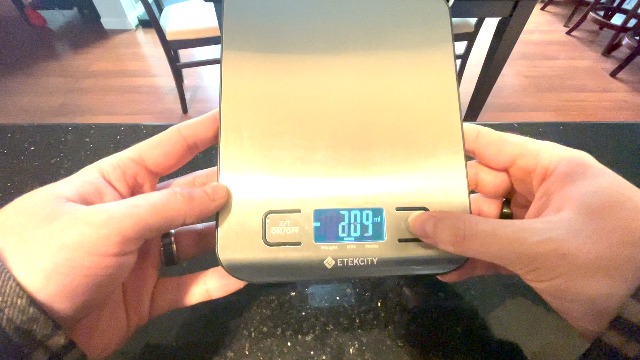
How do you reset an Etekcity Food Kitchen Scale?
Most Etekcity food scales do not have a separate factory reset button. A power cycle usually clears temporary errors and restores normal operation.
Follow these steps:
- Remove everything from the weighing platform.
- Press the power button to turn the scale off.
- Open the battery cover.
- Remove the batteries.
- Wait about 30 to 60 seconds.
- Press and hold the power button for a few seconds while the batteries are out.
- Reinstall the batteries with the positive and negative ends facing the correct way.
- Place the scale on a hard, flat, level surface.
- Turn it on and wait until the display shows zero.
This method answers how do you reset an Etekcity Food Kitchen Scale? for most basic digital models. It removes stored electrical charge and gives the scale a fresh start.
Do not place food on the platform until the display settles at 0 g, 0.0 oz, or the starting unit shown by your model.
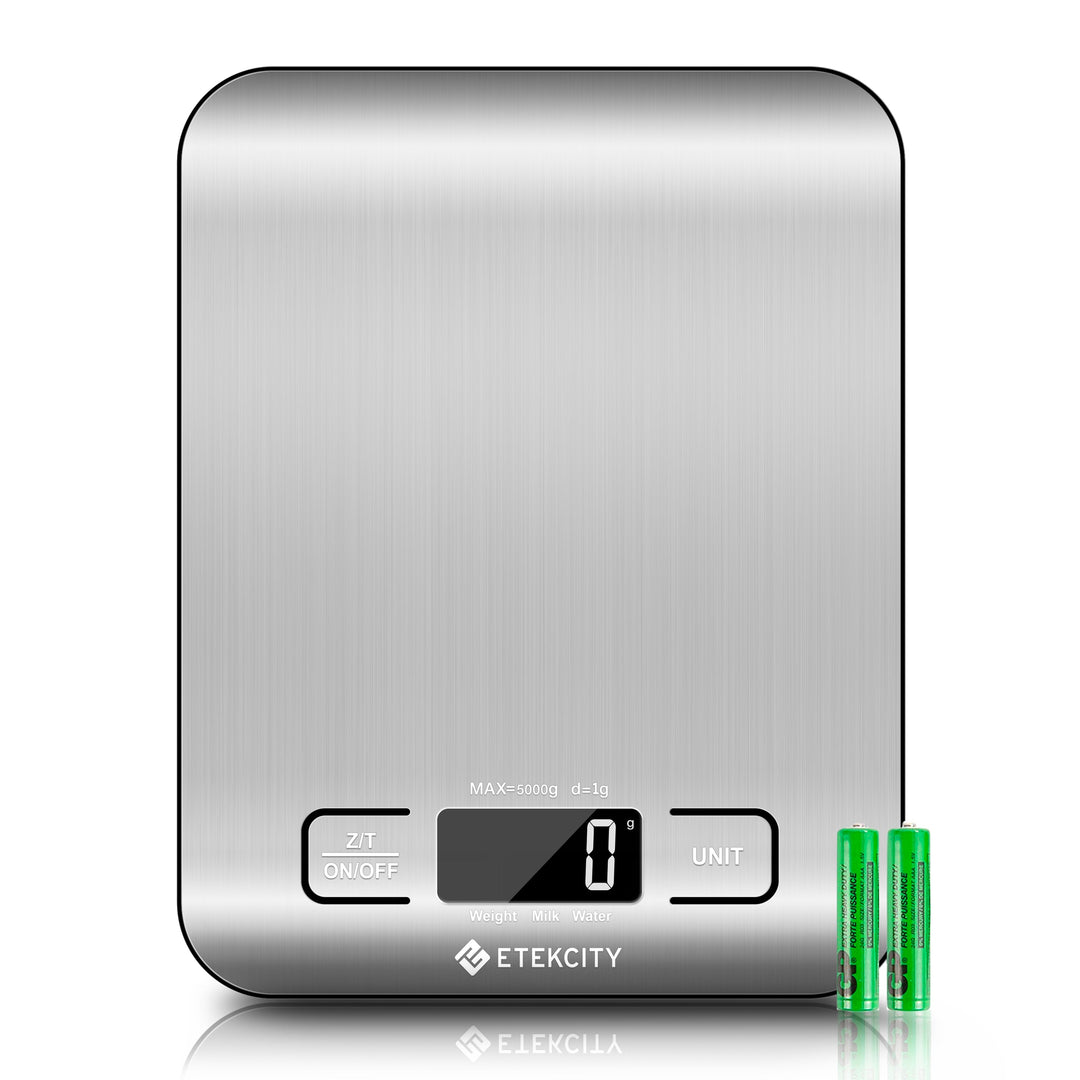
Source: etekcity.com
When should you reset an Etekcity scale?
A reset is useful when the scale behaves in a way that normal button presses do not fix. It can clear a temporary software or sensor issue.
You may need to reset the scale if:
• The display shows an error after turning on.
• The scale does not return to zero.
• The numbers jump without a change in weight.
• The unit button does not respond.
• The scale turns off soon after startup.
• The display stays blank after a battery change.
• The scale was moved from one surface to another.
• A heavy item was left on the platform for a long time.
In many cases, the issue is not a serious fault. A soft counter, low battery, trapped food, or an uneven platform can affect the reading. Resetting the scale is like giving a computer a fresh start, but it cannot repair physical damage.

Source: amazon.com
How to reset an Etekcity food scale without removing the batteries
Some Etekcity models can recover with a simple power cycle. This is the fastest option when the display works normally.
Try these steps:
- Remove all items from the platform.
- Press the power button to turn the scale off.
- Wait 10 to 15 seconds.
- Turn the scale back on.
- Let the display reach zero.
- Press the unit button to select grams, ounces, pounds, or milliliters, if available.
If the scale has an automatic shutoff feature, you can also let it turn off on its own. Then turn it on again after the platform is clear.
If this does not solve the problem, remove the batteries and follow the full reset process. This is the better answer to how do you reset an Etekcity Food Kitchen Scale? when the display is frozen or the buttons do not respond.
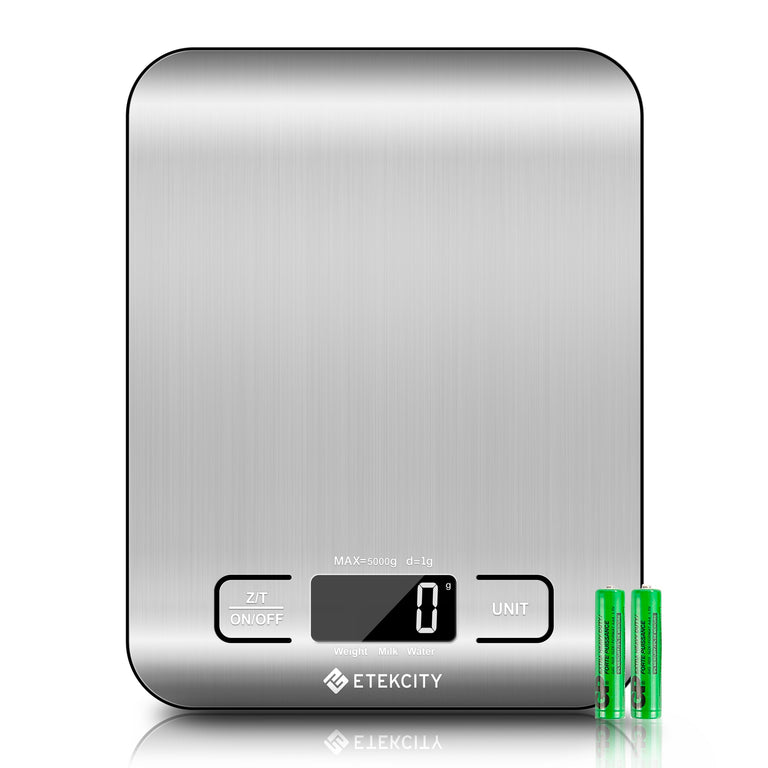
Source: etekcity.com
How to use the tare button after resetting
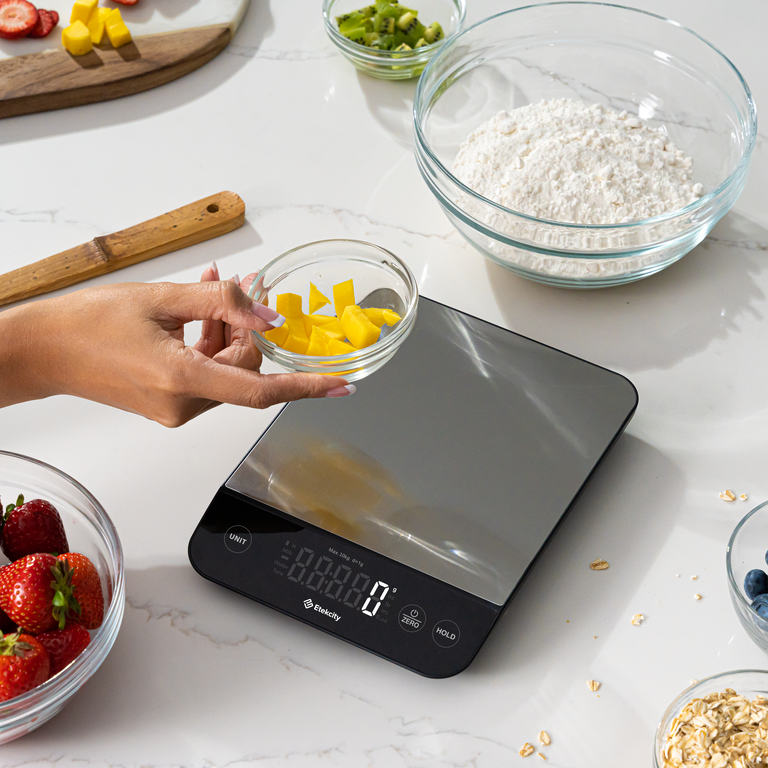
The tare button is not the same as a factory reset. Tare sets the current weight back to zero so you can weigh food inside a bowl or container.
To use tare:
- Turn on the scale with an empty platform.
- Wait for the zero reading.
- Place a bowl on the platform.
- Press the TARE or ZERO button.
- Wait for the display to return to zero.
- Add your food to the bowl.
You can press tare again after adding each ingredient. For example, place a bowl on the scale, tare it, add flour, tare it again, and then add sugar. This makes baking easier and reduces the need for extra dishes.
If the scale shows a negative number after removing the bowl, press tare once more. A small negative reading often means the scale is remembering the container weight. It does not always mean the scale needs a full reset.

Source: amazon.com
How do you reset an Etekcity Food Kitchen Scale? Check the surface first
The surface under the scale has a major effect on accuracy. A scale placed on a soft mat may bend slightly as weight is added. That small movement can change the reading.
For the best result:
• Use a solid counter or table.
• Keep the scale level.
• Make sure all four feet touch the surface.
• Keep the platform free of crumbs and liquid.
• Do not let a cord or cloth touch the platform.
• Keep the scale away from heat, steam, and strong airflow.
I often see people try several resets when the real problem is a towel under the scale. Moving the same scale from a soft surface to a firm counter can fix an unstable reading at once.
After moving the scale, turn it off and on again. This gives the sensor a chance to establish a new zero point.
Source: etekcity.com
Battery problems that look like reset problems
Weak batteries can cause many symptoms that seem like a software error. The display may fade, numbers may flash, or the scale may shut off when weight is added.
Use these checks:
- Remove the old batteries.
- Inspect the battery compartment for dirt or corrosion.
- Install fresh batteries of the type listed in the manual or battery cover.
- Match the plus and minus symbols.
- Close the battery cover fully.
- Turn the scale on without anything on the platform.
Avoid mixing old and new batteries. Also avoid mixing different battery types unless the instructions for your model allow it.
If batteries have leaked, do not touch the residue with bare skin. Clean the compartment only if you know how to do so safely, and stop using the scale if the contacts are badly damaged.

Source: amazon.com
Understanding Etekcity scale error messages
Etekcity food scales may display different messages based on the model. The manual for your exact model is the best source for a code’s meaning. Still, common messages often point to a few simple causes.
“Err” or overload warning
This usually means the item is too heavy for the scale. Remove the item at once and check the scale’s maximum capacity.
Do not press down on the platform to test it. Excess force can damage the load sensor.
“Lo” or low battery warning
This normally means the batteries need replacement. Install a fresh matching set and restart the scale.
A negative number
A negative value often appears after a container is removed following a tare operation. Press the tare button with an empty platform, or restart the scale if the number remains.
Unstable or changing numbers
Air movement, vibration, a soft counter, or contact with another object can cause changing readings. Move the scale to a firm, still surface and reset it.

Source: etekcity.com
How to improve accuracy after an Etekcity scale reset
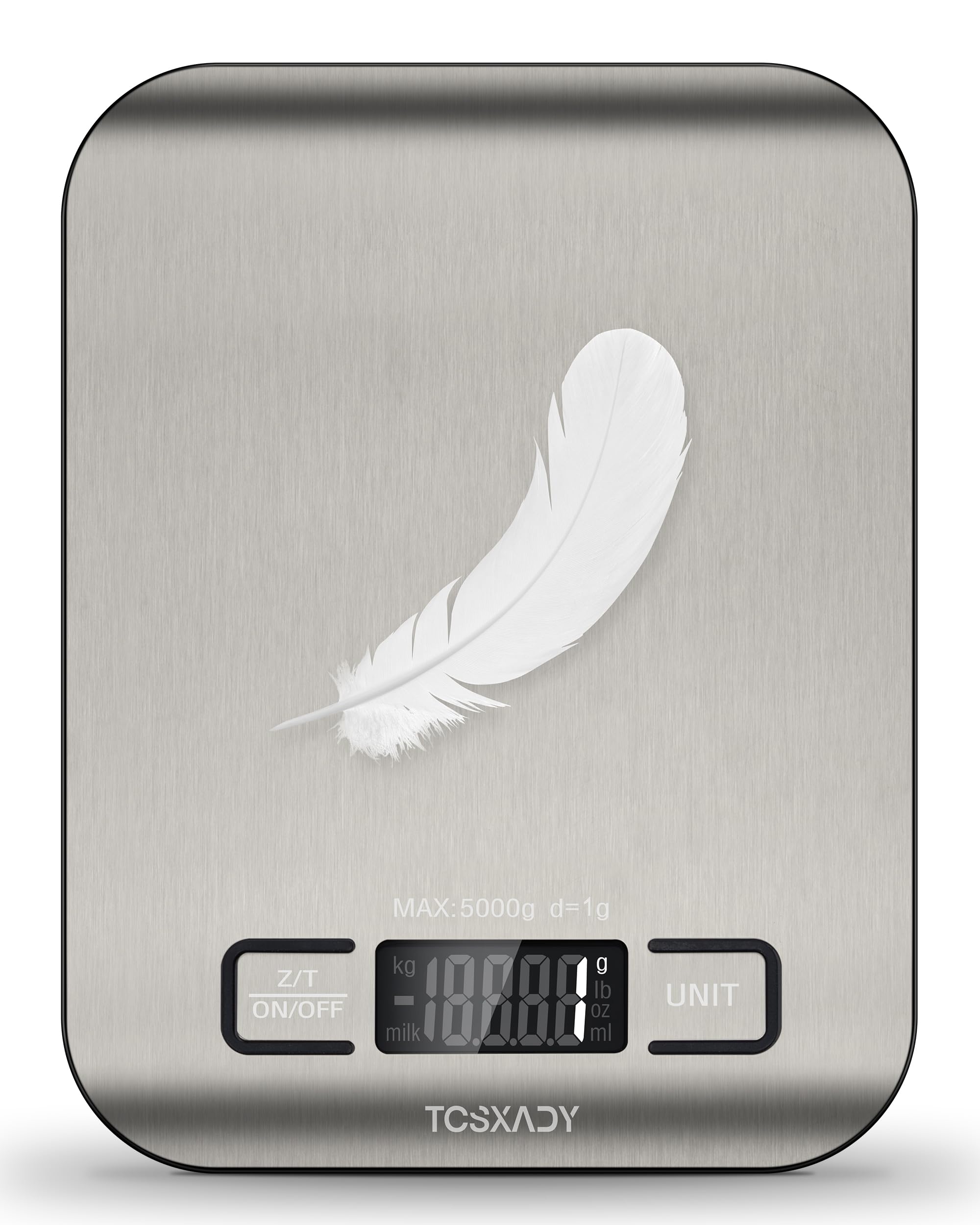
A reset restores the starting point, but good habits help the scale stay accurate. Always place the item near the center of the platform. A very large bowl can touch the display area or counter and affect the result.
Use the same unit each time. One ounce equals about 28.35 grams, so a small unit change can look like a measurement error. For recipes, grams often provide more control than volume measures.
Keep these habits:
• Let the scale reach zero before weighing.
• Use a clean, dry platform.
• Add items gently.
• Avoid weighing hot pans or steaming food.
• Do not exceed the listed capacity.
• Store the scale flat and dry.
• Remove the batteries before long-term storage if the manual recommends it.
Kitchen scales are measuring tools, not medical or commercial legal devices. If you need certified trade measurements, use equipment designed and approved for that purpose.
Source: amazon.ae
What not to do when resetting an Etekcity scale
A reset should be gentle. The internal load sensor is sensitive, even though the scale looks sturdy.
Avoid these mistakes:
• Do not drop or shake the scale.
• Do not press hard on the platform.
• Do not pour water over the device.
• Do not use harsh cleaners.
• Do not open the case unless the manufacturer instructs you to do so.
• Do not place a very hot pan directly on the platform.
• Do not keep weighing items after an overload message.
One common mistake is repeatedly pressing every button at once. That rarely helps and may activate a unit or tare function by accident. Use a calm, step-by-step reset instead.
When a reset does not fix the scale
If you have tried how do you reset an Etekcity Food Kitchen Scale? and the problem continues, inspect the scale for physical damage. Look for cracks, loose feet, a bent platform, or corrosion in the battery compartment.
Test the scale with a simple object of known weight, such as a sealed package. Check the package weight against the scale, but remember that the labeled weight may include normal manufacturing tolerance.
Contact Etekcity support if:
• The scale stays blank with fresh batteries.
• The display shows an error with no item on it.
• The readings remain far from a known weight.
• The platform is loose or damaged.
• The battery contacts are corroded.
• The scale turns off whenever weight is added.
Keep the model number, purchase details, error message, and steps you already tried. This helps support staff give a faster answer.
How do you reset an Etekcity Food Kitchen Scale? Model differences to know
Etekcity sells several kitchen scale models. Button names, battery types, display units, and automatic shutoff settings may differ. Some models use a touch panel, while others use physical buttons.
Because of these differences, how do you reset an Etekcity Food Kitchen Scale? does not always have one identical answer. The battery removal method is common, but you should still check the manual for your model before attempting calibration or opening the case.
Do not confuse resetting with calibration. Calibration requires a known test weight and a model-specific procedure. Many home kitchen scales are designed to self-zero and do not offer user calibration.
Frequently Asked Questions
How do you reset an Etekcity Food Kitchen Scale?
Turn the scale off, remove the batteries, wait 30 to 60 seconds, and reinstall them. Then place the scale on a hard, level surface and turn it on with an empty platform.
Why does my Etekcity scale not go back to zero?
The platform may have food, dirt, or pressure on it. Clear the platform, place the scale on a firm surface, and press the tare button or restart the scale.
How do I reset the tare function on an Etekcity scale?
Remove all items from the platform and press TARE or ZERO. If the display remains negative or unusual, turn the scale off and remove the batteries before restarting it.
Why does my Etekcity scale say “Lo”?
“Lo” usually indicates low batteries. Replace the batteries with a fresh matching set, install them in the correct direction, and restart the scale.
Can I reset an Etekcity scale by pressing the unit button?
The unit button normally changes grams, ounces, pounds, or other available units. It usually does not perform a full reset, although the exact function depends on the model.
Why does my Etekcity food scale keep turning off?
Automatic shutoff may be working as designed. Low batteries, poor battery contact, or an internal fault can also cause early shutdown, so try fresh batteries and a full reset.
Do Etekcity kitchen scales need calibration after a reset?
Usually, no. A reset clears the operating state, but calibration is a separate model-specific process and should only be performed with the correct known weight and instructions.
Conclusion
Resetting an Etekcity kitchen scale usually takes only a few minutes. Clear the platform, power the scale off, remove the batteries, wait briefly, reinstall them, and restart the scale on a hard, level surface. Use the tare button for bowls and containers, and check the batteries, platform, and error messages before assuming the sensor has failed.
If you still wonder how do you reset an Etekcity Food Kitchen Scale?, remember that the exact buttons may vary by model. Follow the instructions for your specific unit, avoid overloads and moisture, and contact support if fresh batteries and a full reset do not solve the issue. Try these steps the next time your scale acts up, and share your experience or model details in the comments.

