

Most ovens need a simple thermometer test and an offset adjustment to match the dial.
I have calibrated dozens of home ovens and commercial ranges and will walk you through clear, safe, and reliable methods for How do I calibrate my oven temperature? This guide explains why calibration matters, what tools you need, step-by-step procedures for both analog and digital ovens, troubleshooting tips, and real-life lessons from my own testing so you can bake, roast, and cook with confidence.
Why calibrate your oven temperature?
Ovens can drift over time, and a miscalibrated oven changes cooking times and results. If you notice burned edges, undercooked centers, or recipes that no longer match expectations, ask: How do I calibrate my oven temperature? Calibrating fixes that problem.
Calibration matters because recipes assume accurate heat. Professional bakers check ovens daily. At home, a 25°F (14°C) error is common and can ruin delicate bakes. A proper calibration helps you:
- Ensure consistent bake color and texture
- Hit recommended internal temps for food safety
- Save time and avoid wasted ingredients
Common question answered briefly: If your cake bakes too quickly on the outside or stays raw inside, recalibrating can often correct the problem. How do I calibrate my oven temperature? Start with a good oven thermometer and a methodical test.

How ovens read and display temperature
Knowing how your oven measures heat makes calibration easier. Most ovens use a thermostat probe or sensor to read temperature. That probe sits in one location inside the cavity and drives the control system.
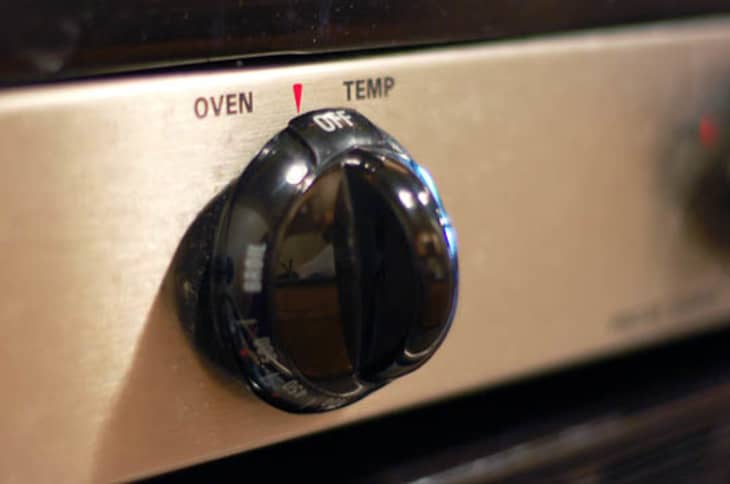
- Mechanical ovens use a thermostat with a calibration screw tied to the dial.
- Electronic ovens read a sensor and apply settings through software or service menus.
- Temperature distribution is never perfectly even; the center and corners vary by design.
How do I calibrate my oven temperature? You must measure actual internal temps, not trust the dial. Always test at the place where food sits, because the sensor might be elsewhere.
Tools you need before you start
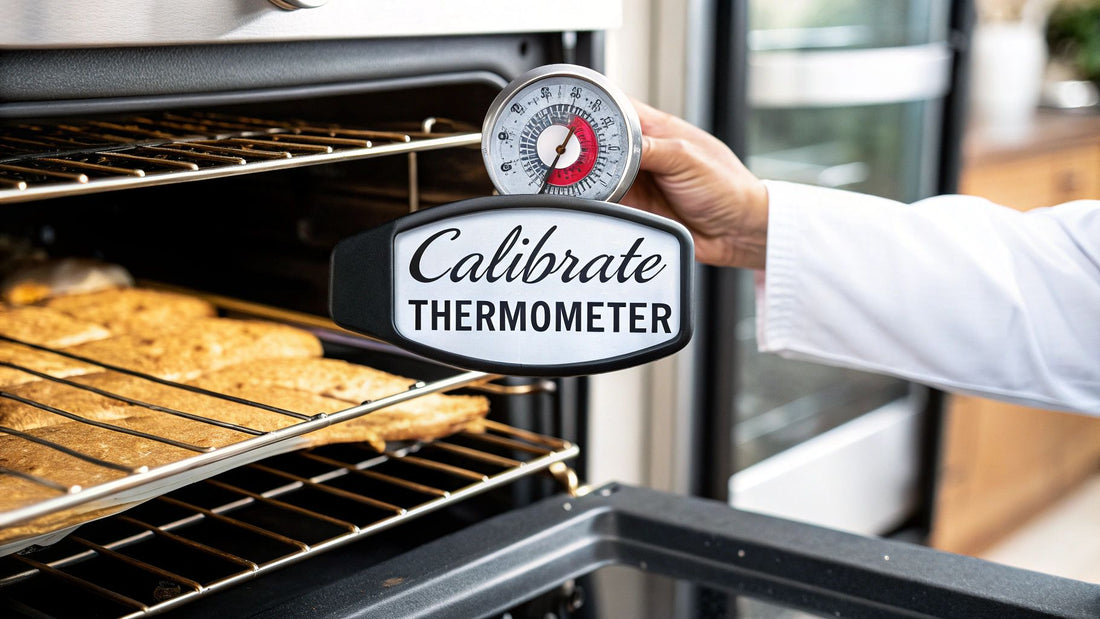
Simple tools make calibration accurate. Gather these:
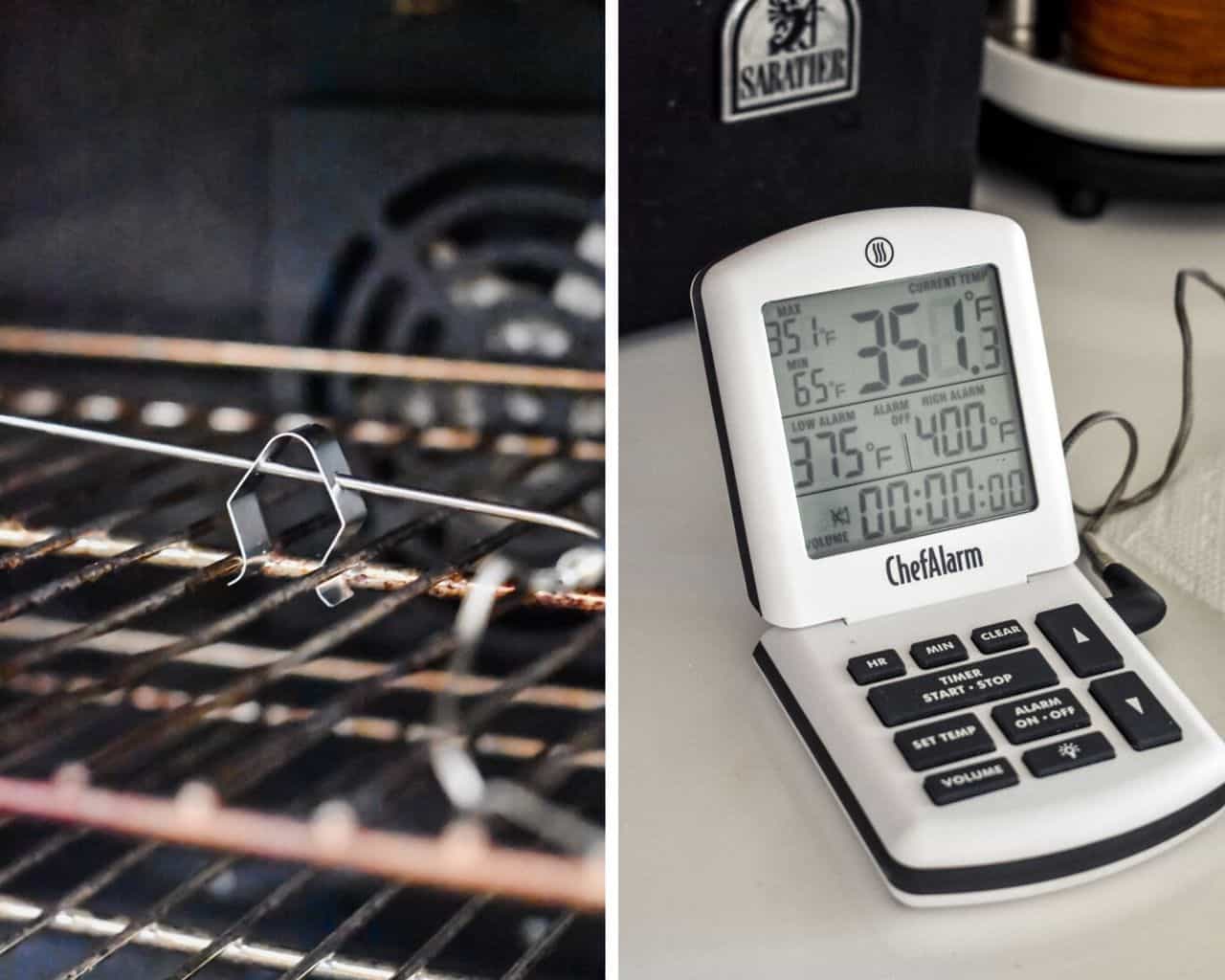
- Oven thermometer: an accurate, instant-read or dial oven-safe thermometer
- Notebook or phone to record readings
- Screwdriver or hex key for mechanical adjustment (if needed)
- Oven manual or model number to check calibration options
- Oven-safe plate or rack to hold the thermometer if needed
How do I calibrate my oven temperature? Use a quality oven thermometer — cheap models can be off, so pick one rated for oven use.

Step-by-step: Calibrating analog (mechanical) ovens
If your oven has a physical dial and a small calibration screw, follow these steps.
-
Prepare the oven
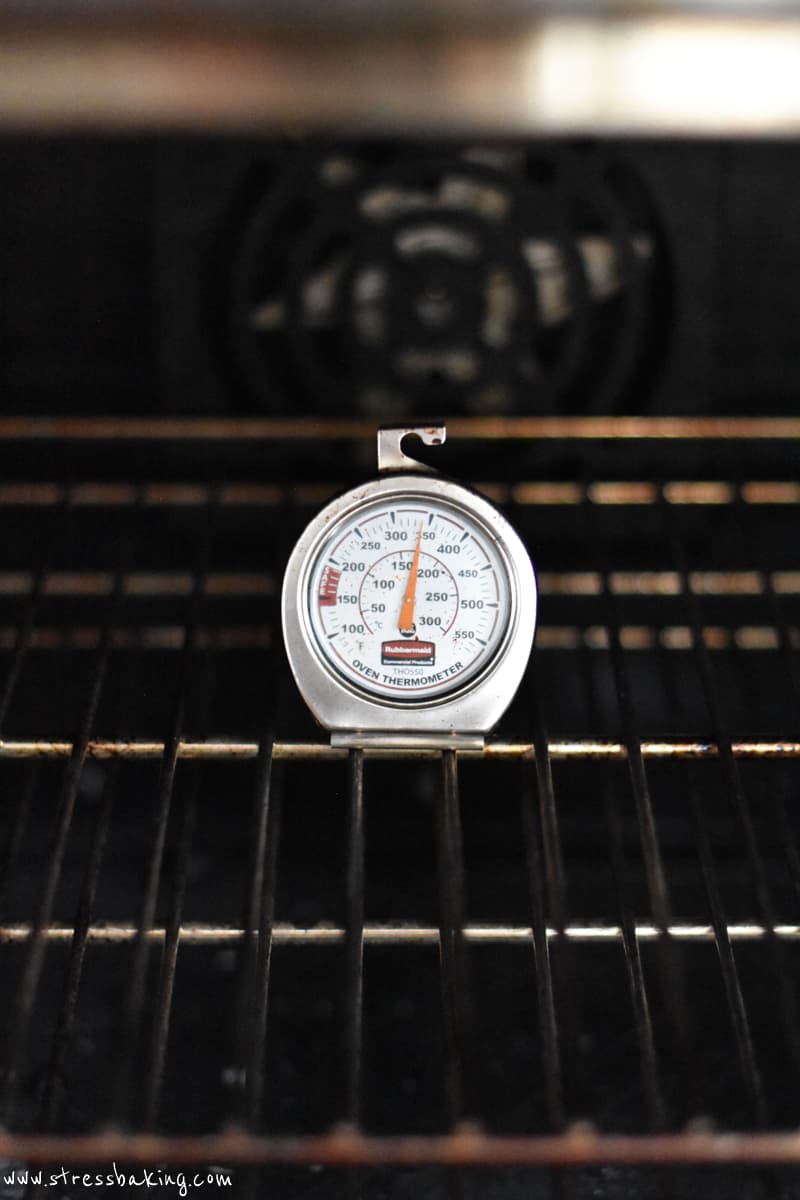
- Place the oven thermometer at the center of the middle rack.
- Close the door and let the oven preheat for 20–30 minutes to stabilize.
-
Record the difference
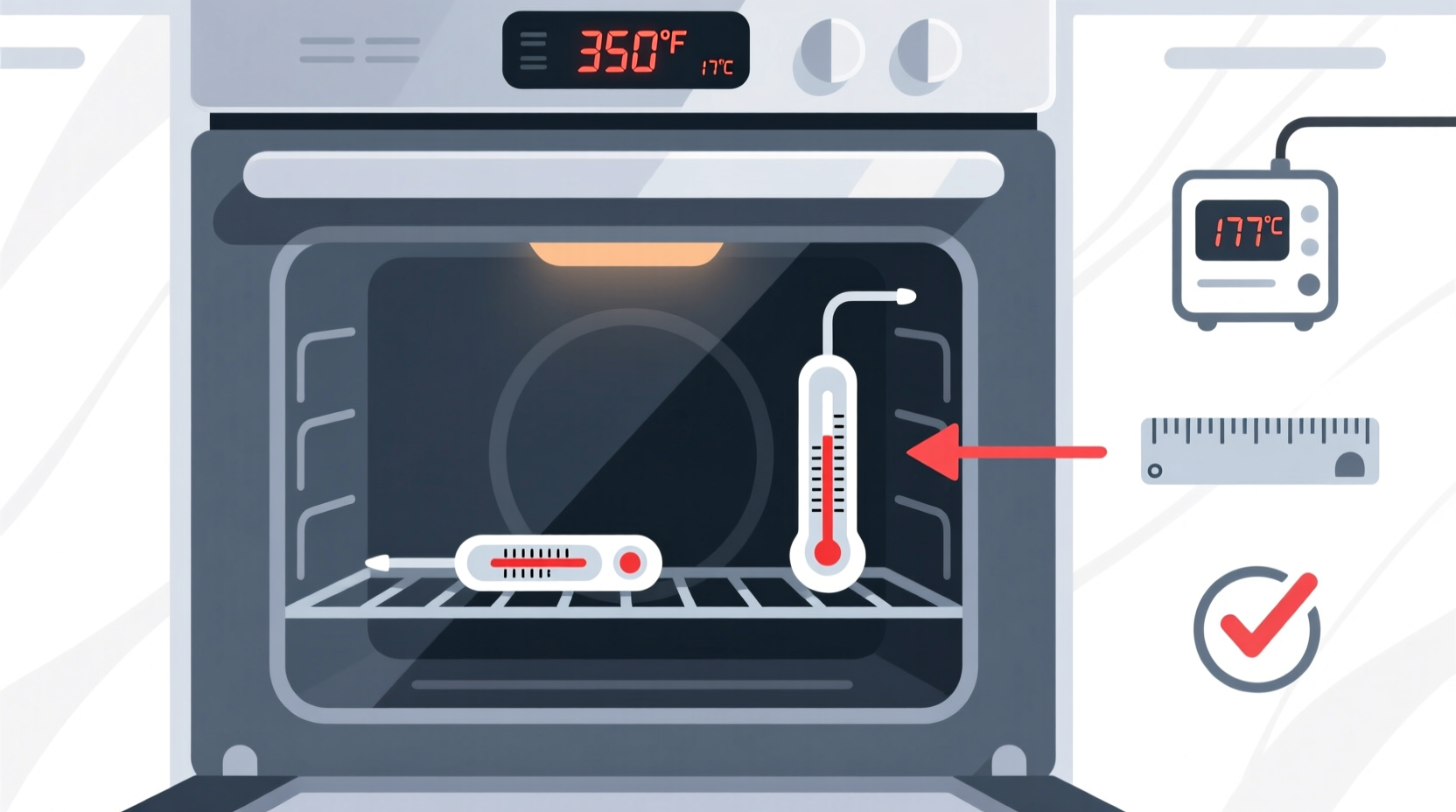
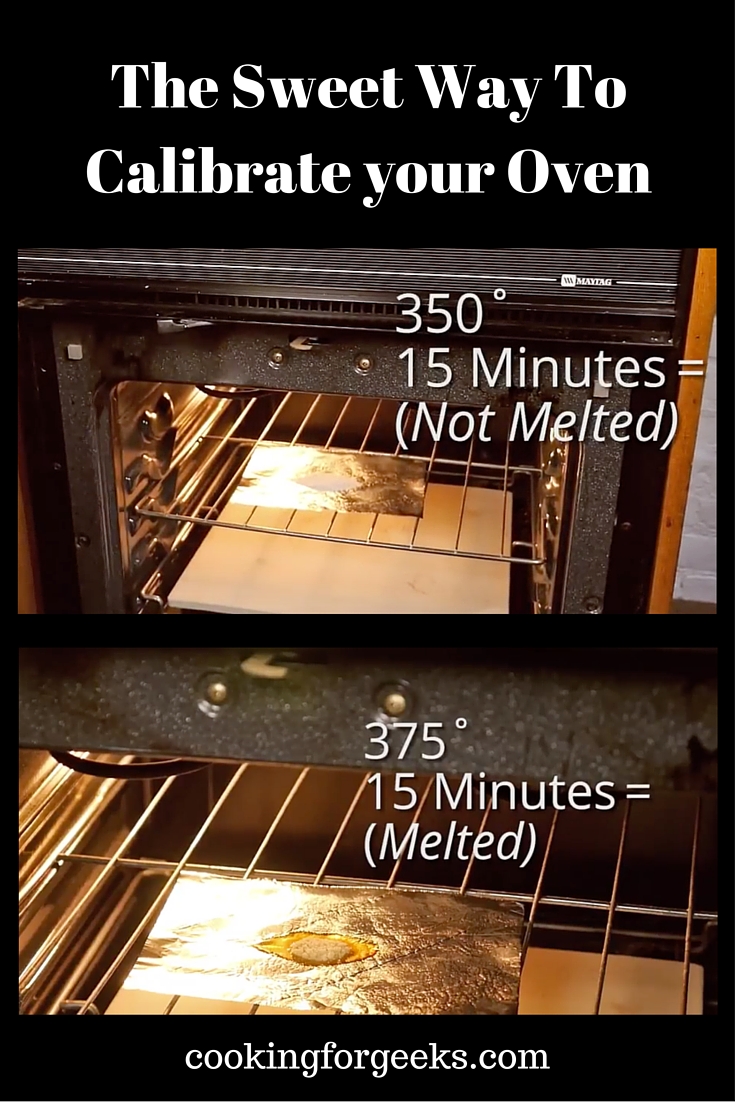
- Set the oven to a common temp, like 350°F (177°C).
- Wait until it reaches that setting, then record the thermometer reading.
- Calculate the offset: Actual temp − Set temp = Offset. For example, if the thermometer reads 365°F, offset = +15°F.
-
Adjust the calibration screw
- Turn off the oven and locate the calibration screw behind the dial or on the thermostat.
- Make small adjustments (quarter-turns). Reheat and re-measure after each change.
- Continue until the thermometer reading matches the set temperature within 5°F.
-
Verify at multiple temps
- Repeat test at 325°F and 400°F to make sure the offset is consistent.
- If offsets vary widely, the thermostat may be failing and need replacement.
Tips: Keep adjustments small. Some dials are reverse direction — note which way to turn. If you cannot find a screw, move to the digital method.
How do I calibrate my oven temperature? For mechanical ovens, patience and incremental adjustments produce the best results.
Step-by-step: Calibrating digital and electronic ovens
Many modern ovens let you enter a temperature offset through settings. If not, a service menu may be required.
-
Find the offset setting
- Check your manual or menu settings for "calibration," "temp adjust," or "offset."
- If available, you can usually set a plus or minus number in degrees.
-
Measure first
- Place the oven thermometer in the center rack.
- Preheat to 350°F and note the actual temperature after stabilization.
-
Calculate and enter offset
- Offset = Set temp − Actual temp. If the oven is reading lower, enter a positive offset.
- Example: Set 350°F, actual 335°F → offset = +15°F. Enter +15 in the oven settings.
-
Re-test
- Preheat again and confirm the thermometer reads the intended temperature.
- Check another temperature to ensure accuracy across the range.
If your oven has no user-offset option, some models offer a service mode for technicians to adjust calibration. In that case, contact support or a qualified repair person.
How do I calibrate my oven temperature? Digital ovens often allow simple offset entry that fixes most drift without mechanical tinkering.

Troubleshooting common calibration issues
Even after calibration, problems can persist. Here are likely causes and fixes.
-
Temperature still off after adjustment
- Re-check thermometer accuracy. Try a second thermometer.
- Verify you allowed full warm-up time. Some ovens need 30 minutes.
-
Oven runs hot in some zones, cool in others
- Use the convection fan or rotate pans mid-bake.
- Consider installing a second thermometer to map hot and cold spots.
-
Offset varies at different set points
- The thermostat may be failing. Consider professional repair or replacement.
-
Calibration lost after power outage
- Some digital ovens reset offsets after power cycles. Re-enter settings if needed.
-
Safety or electrical concerns
- If you smell burning wiring, get service immediately. Do not attempt internal repairs without training.
How do I calibrate my oven temperature? Troubleshoot with methodical checks, and don’t hesitate to call a technician for persistent or hazardous issues.
Maintenance and habits to keep oven calibrated
Calibration is not a one-time task. Regular checks keep results consistent.
- Check every 3 months or after moving the oven.
- Clean sensors and replace faulty gaskets — leaks change internal temperatures.
- Avoid slamming the door; sensor or control board damage can occur.
- Use the same rack position and thermometer location for repeatable tests.
How do I calibrate my oven temperature? Make testing part of your routine, like checking smoke detectors — small checks prevent big bake failures.
Personal experience: mistakes I made and lessons learned
I once adjusted an oven based on a single reading and then found cakes underdone at higher temps. Lesson: always test at multiple temperatures. Another time, I trusted a cheap thermometer and ended up with a persistent 20°F error. Investing in a reliable oven thermometer saved time and food.
Practical tips from my tests:
- Let the oven run empty for 30 minutes to stabilize before measuring.
- Place the thermometer where your food usually sits.
- Track readings in a simple table so you can see trends over time.
How do I calibrate my oven temperature? From experience, patient testing and good tools matter more than quick fixes.
Frequently Asked Questions of How do I calibrate my oven temperature?
How long should I preheat before measuring temperature?
Preheat for at least 20–30 minutes with the thermometer inside to allow the oven to stabilize. Longer preheat is safer for older or larger ovens.
Can I calibrate a gas oven the same way as an electric one?
Yes, the measurement method is the same: use an oven thermometer and measure actual internal temp, but gas ovens may have more variation and need more frequent checks.
What if my oven has no calibration setting and no adjustment screw?
If no user option exists, the thermostat or control board may need service. Contact a qualified technician or the manufacturer for a service-mode adjustment.
How accurate should my oven be after calibration?
Aim for within 5°F (3°C) of the set temperature for most home cooking. Professional baking may require even tighter accuracy.
Will convection mode affect calibration?
Convection moves air and may cook faster, but the temperature reading should still match set points. Test calibration with convection off, then adjust cooking times when using convection.
Conclusion
Calibrating your oven is a simple, high-impact step that improves baking, roasting, and food safety. Start with a trusted oven thermometer, measure at multiple set points, and use small adjustments whether your oven is mechanical or digital. Regular checks and proper maintenance keep results consistent and reduce wasted food and frustration. Try the steps today: test your oven, calculate the offset, and make one small adjustment — then bake something you love and see the difference. Share your results, subscribe for more appliance tips, or leave a comment with your oven model and questions.

